
Don't Be 'That Guy': My Actual Backup Workflow
Forget the 'best practices' you read online. This isn't about theoretical perfection; it's about what actually works when you're shooting demanding clients and can't afford a single lost file. This is my blunt take on memory cards and the backup process that keeps me sane.
Want to shoot at any of these with Dante's Models? Book a session or apply to be represented.
As an Amazon Associate, Dante's Models earns from qualifying purchases. The Amazon links below are affiliate links. Buying through them supports the studio at no extra cost to you.
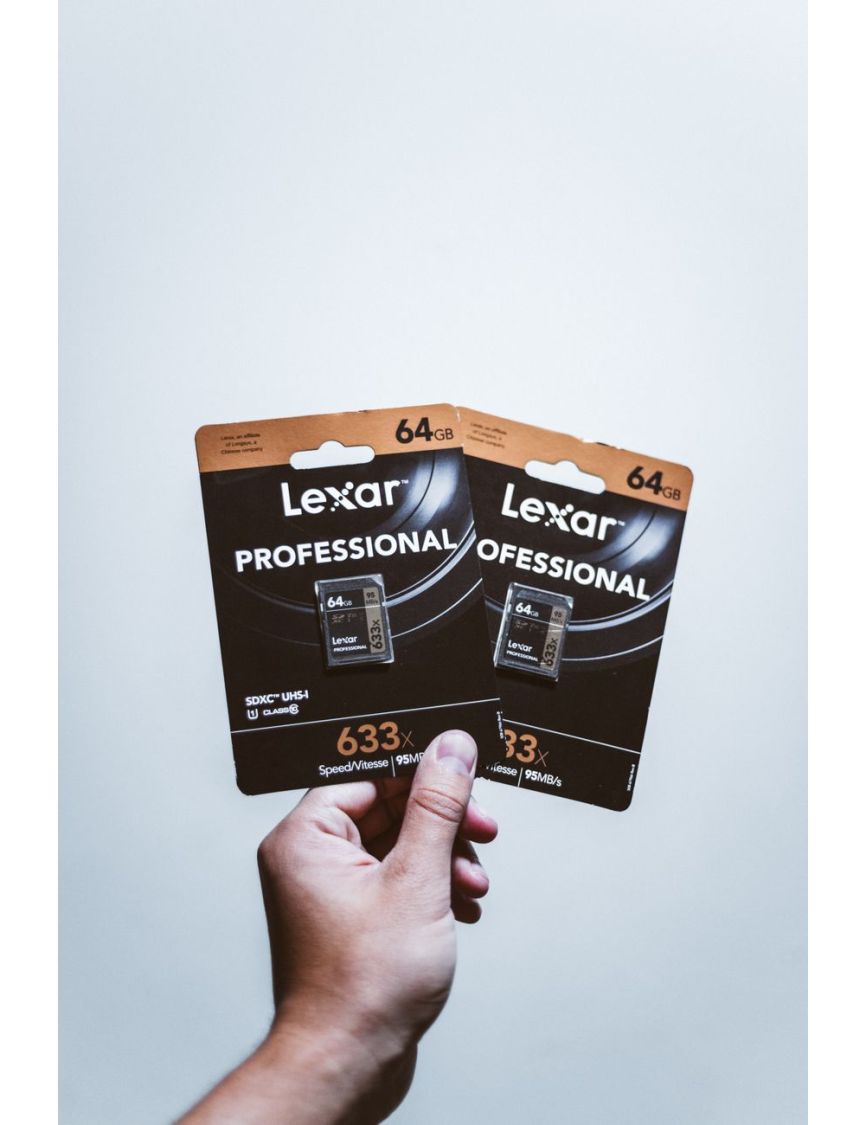
The Card Isn't Your Wallet
I buy the best cards I can afford, full stop. Not the 'prosumer' middle ground, the actual pro-grade, fastest, most reliable cards from reputable brands like SanDisk Extreme Pro, Lexar Professional, or Sony Tough. Dual card slots? Always mirror to both.
Buy cards in pairs and use them together to avoid single points of failure. If one dies, you have the other.
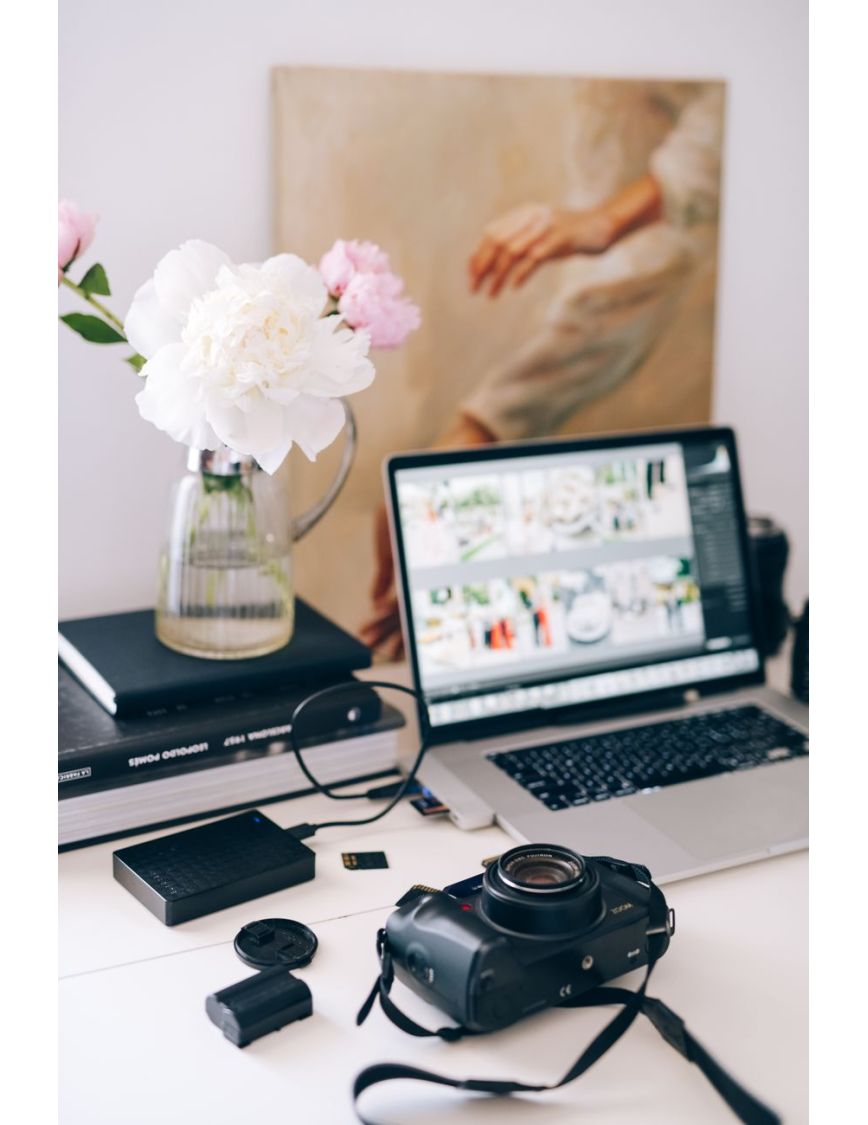
Immediate Ingest, Multiple Destinations
The moment I get back to my computer, cards come out. I use software like Photo Mechanic to ingest. It's fast, verifies files, and simultaneously copies everything to my working RAID array AND an external backup drive. Two copies, two separate physical locations.
Don't just drag and drop. Use dedicated ingest software that verifies file integrity during transfer.
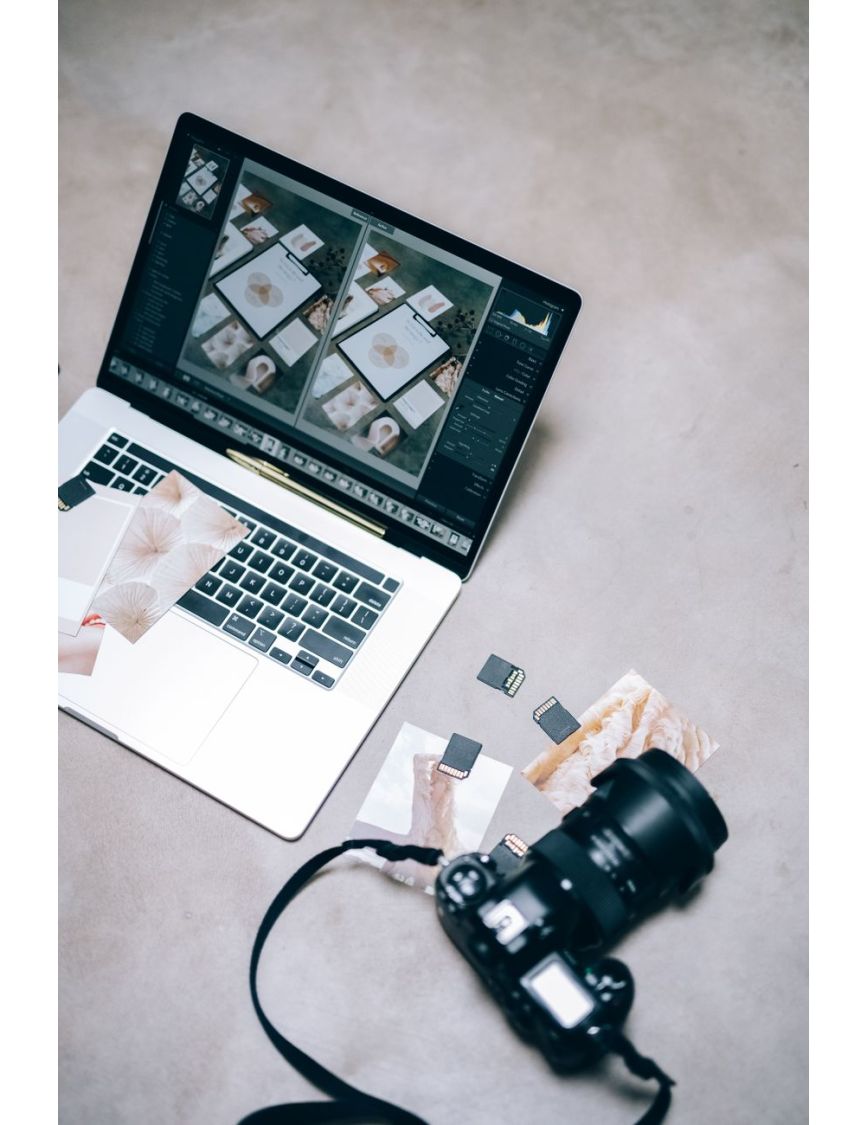
Cards Don't Get Erased
Cards don't get formatted or reused until I've delivered proofs to the client, they've picked their selects, and a deposit (at minimum) has been paid. Seriously. This means I own a lot of cards. It's cheaper than losing a shoot and a client.
Label used cards clearly (e.g., 'DO NOT ERASE - CLIENT NAME - DATE') and keep them separate from fresh ones.
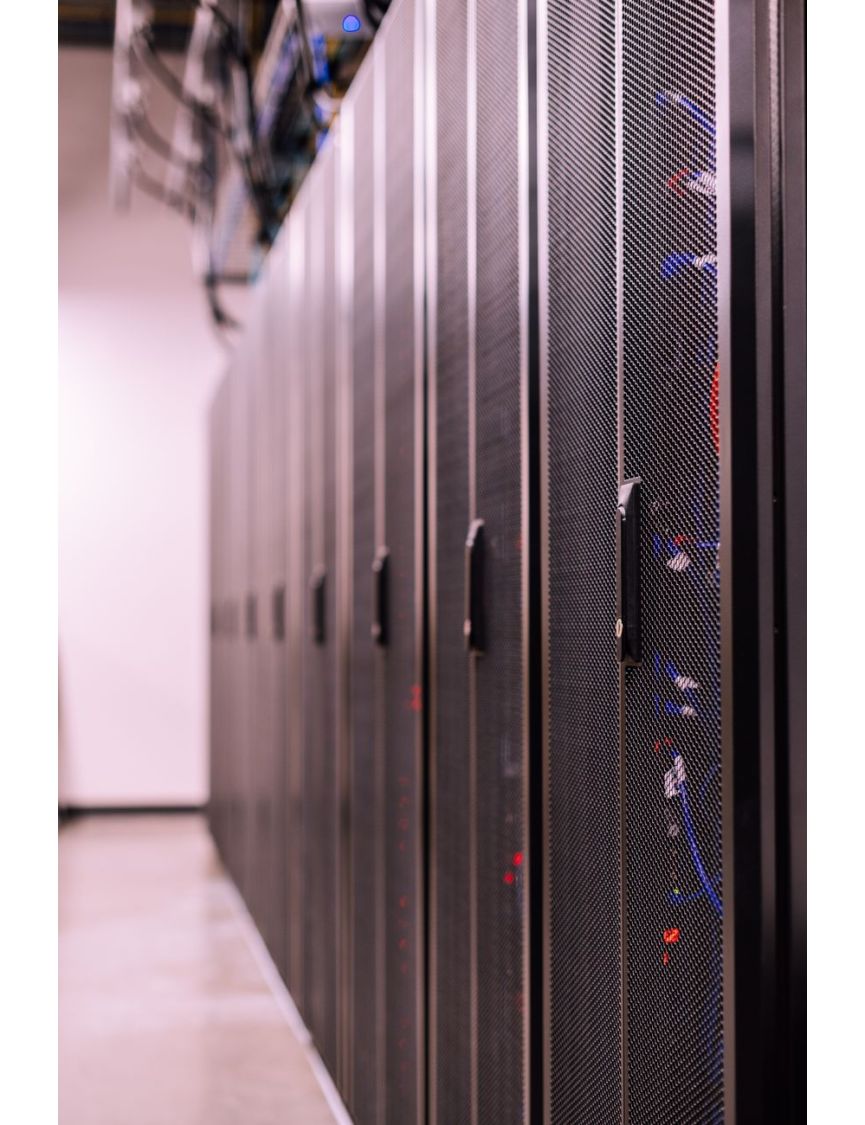
The Cloud Is Not Your Primary Backup
Yes, I use cloud backup (Backblaze B2, specifically), but it's for 'oh-shit-my-studio-burnt-down' scenarios. Upload speeds for raw files are slow. It's not for day-to-day recovery. Local, redundant storage is king for working files.
Test your cloud restore process at least once a year. Don't assume it works until you've actually downloaded files.
The '3-2-1' Rule Simplified
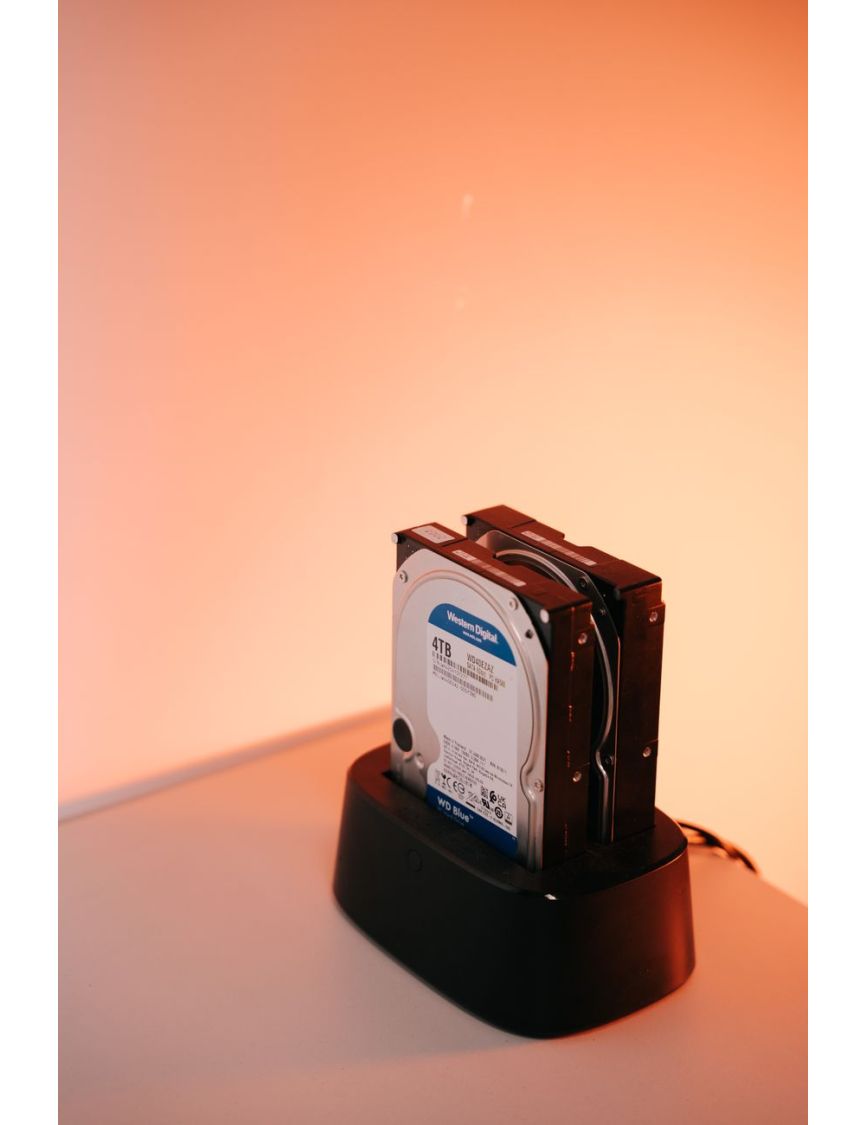
3 copies (original card, working drive, backup drive), 2 different media types (SSD/HDD, sometimes cloud), 1 offsite (cloud). My working drive is a RAID, so that's already redundant. The cards stay around. This system works.
Don't overcomplicate it. Consistency is more important than theoretical perfection. Find a system you can actually stick to.
That's the inside look. Save this one for your next shoot.
And when you're ready to create something real in NYC, you know where to find us.
Ready for photos of your own?
Headshots, fashion, portraits, events, shot anywhere in New York City.
Book a Photoshoot